Interaction received.
Context preserved.
Next action visible.
no promise of results
One workspace. Context kept in the CRM.
Connect the company's WhatsApp line, QR or official Meta channel, to your CRM and run messages, media, groups and supported calls without borrowing anyone's phone.
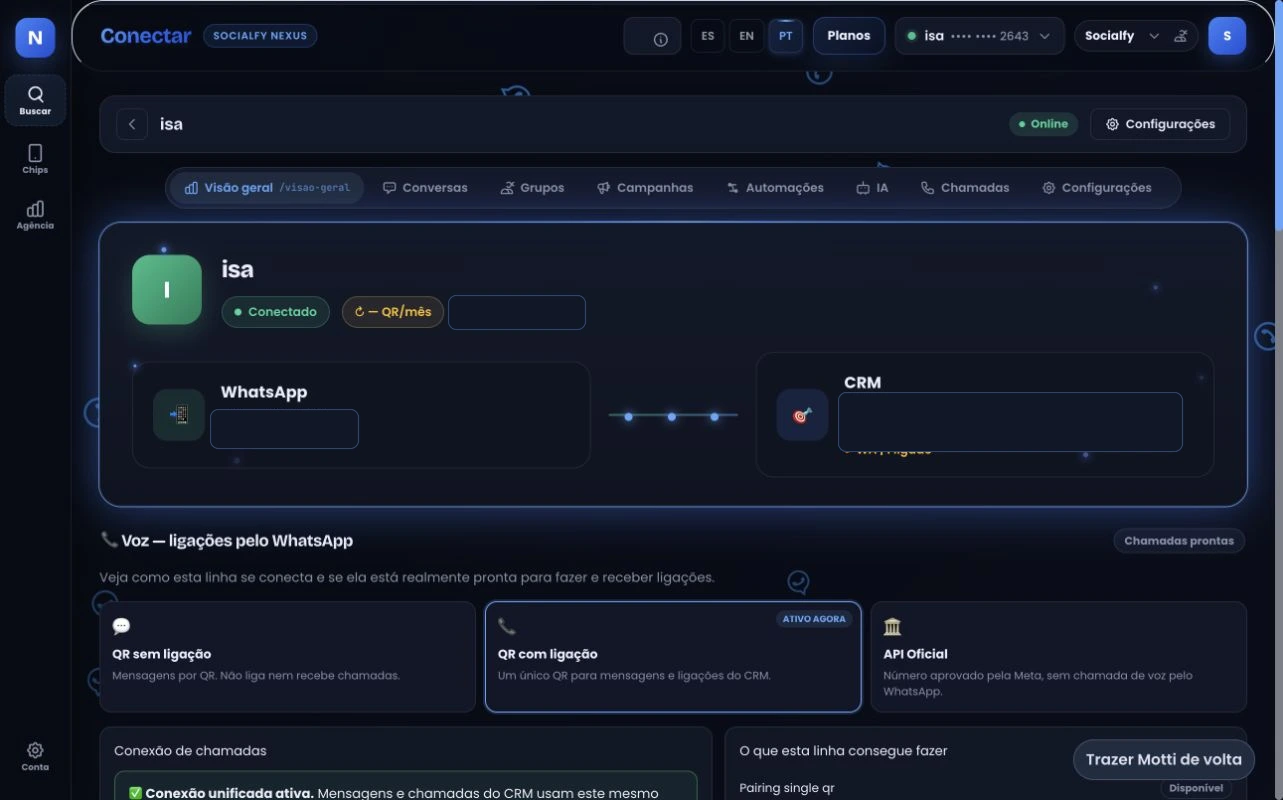 Real product · test environment · overview
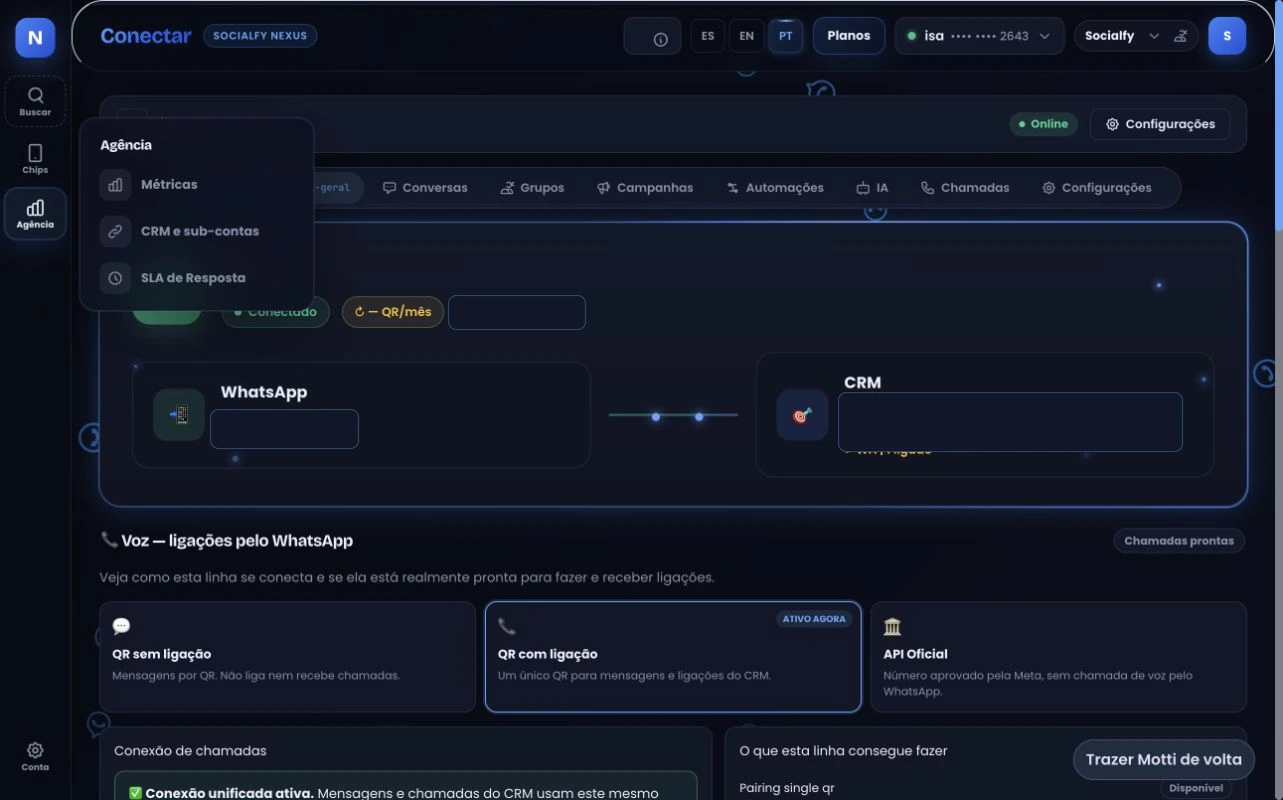 Real product · test environment · agency management
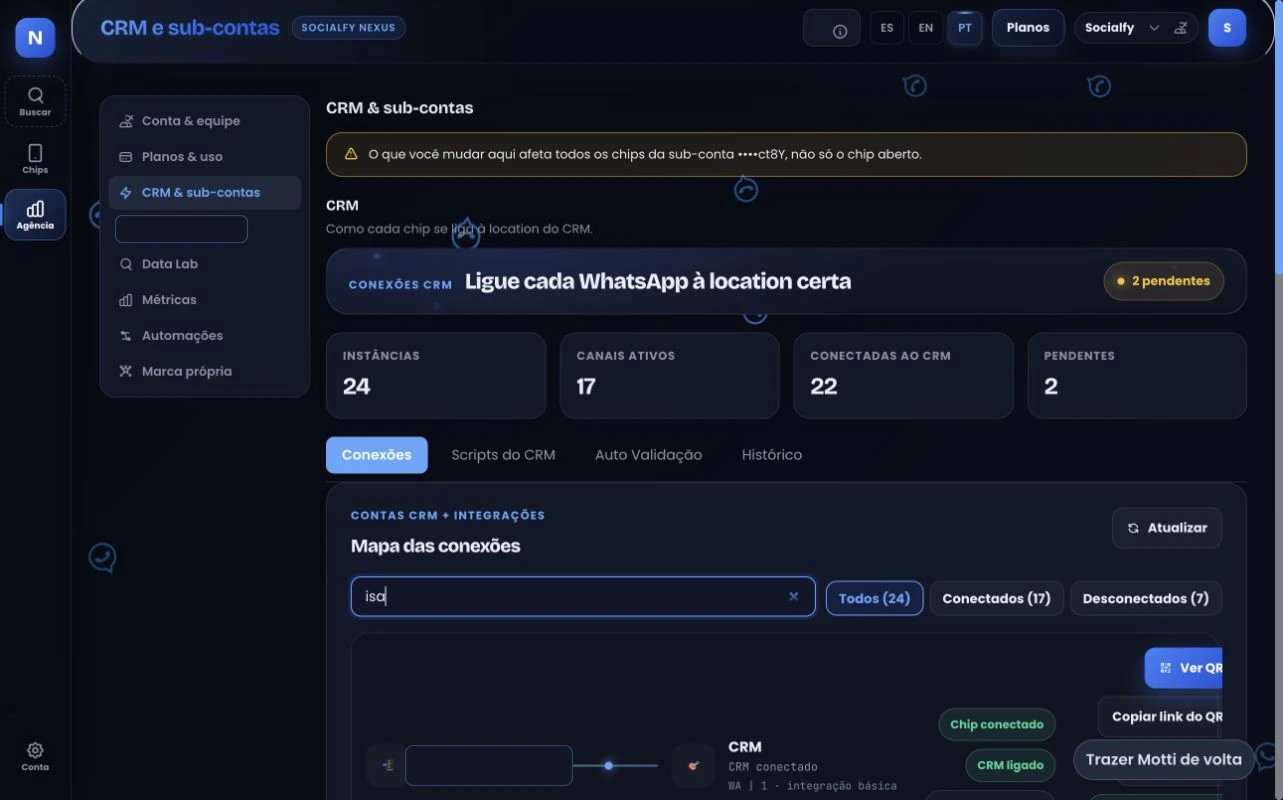 Real product · test environment · CRM connections
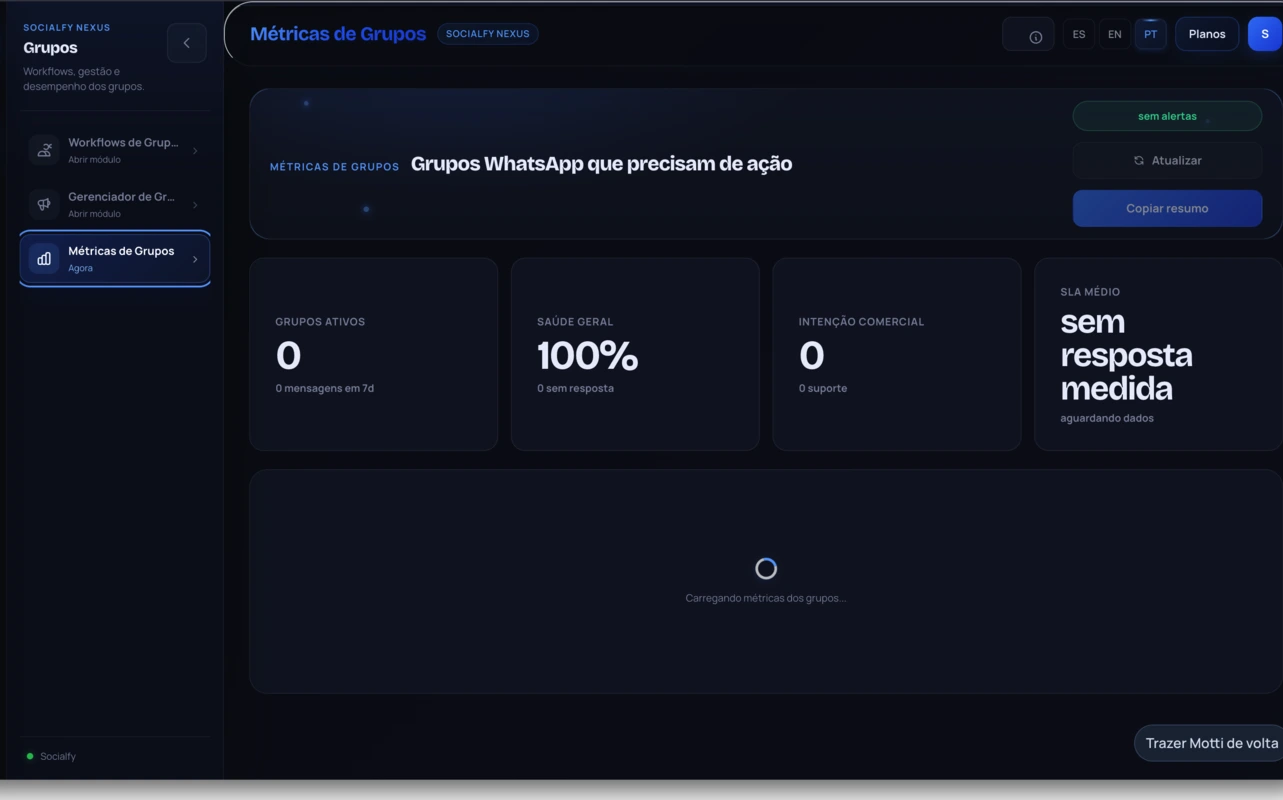 Real product · test environment · group operations
Nexus ecosystem
Open the CRM → Grab the phone
Find the contact → Switch screens
Send media → Split the history
Switch accounts → Lose the context
More tabs, more logins, context scattered everywhere
Click the contact → Reply inside the CRM
Pick the channel → Act on what the connection supports
Send the media → History stays whole
Switch channels → Context stays put
One workspace, one actionable history
Nexus connects the channels to the operation and turns each interaction into actionable history in the CRM.
See it from the inside →Socialfy Nexus is the layer that connects WhatsApp, calls and groups to the CRM and keeps every interaction in the contact history.
82%of users already talk to brands on WhatsApp
59%of consumers dislike automated replies
WhatsApp in Brazil survey, 2025 edition, Opinion Box: 1,126 users interviewed in June 2025, margin of error of 2.9 percentage points. Brazilian market. Opinion Box
The customer is already on the channel and rejects robotic service. The gain is not answering through a bot: it is the team holding the full history at the moment of the reply.
| What changes | WhatsApp QR | Official channel |
|---|---|---|
| How the connection starts | Session linked to the number the company already uses | Its own activation and setup with the provider |
| Phone number | The number the team already uses today | Number enabled for the official channel |
| When the connection drops | Session reconnection flow | Flow defined by the official provider |
| Connection status | Visible in the operation | Visible in the operation |
| Message, media, group and call features | Vary by channel, message type and setup | Vary by channel, message type and setup |
| Channel costs and limits | Validated in the diagnosis, before activation | Validated in the diagnosis, including provider costs |
| When it usually makes sense | Operating with the number that already exists, without changing it | Operations that require the official channel |
Commercial memory
Interaction received.
Context preserved.
Next action visible.
Message, source and owner stay in the same context.
The conversation doesn't stop
No hunting for a device, an account or a thread. The contact is already open and the line is already chosen.
Illustrative demo · fictional names
Last action
Message received
Last action
Asked for a proposal
Last action
Context updated
Run your sales process without separating conversation, contact and history.
Supported calls
Availability depends on the channel,
the connection and the setup.
When the connection supports it, your team starts the call from the contact record inside the operation.
feature available on this connection
Channel, connection mode and setup determine which call features can be enabled.
Connection availability
Company lines
live state
of every connection
Groups and communities
The groups surface can bring together participants, capacity and settings. Availability depends on the connection, permissions and module activation.
Connection health
LinkedIn, subject to activation
Availability and actions depend on activation, connection and message type. Nexus does not present LinkedIn features as universal.
Illustrative demo · fictional names
History and owner
Can you send me the deck?
actions according to the message
Channel and owner
Formats per channel
Formats show up according to the channel, the message type and the setup.
Socialfy ecosystem
Nexus connects the channels to the operation and turns each interaction into actionable history in the CRM.
 NexusLinkedIn*Groups*Calls*Connections
Features
Who it's for
Diagnosis, setup, training and follow-up are part of activation. Four steps, in this order.
Nexus plans
Every feature in all three plans. Create an account, confirm your email and choose a plan inside Nexus.
5 free days to start with one number and explore Nexus.
For teams handling multiple numbers and expanding support.
For operations with more numbers and simultaneous channels.
Choose monthly or yearly billing inside Nexus. Official channel fees, where applicable, are billed separately.
diagnosis before setup
The demo starts from your real scenario: lines, channels, people and compatibility, before any recommendation.
After you request it, you pick a time. On the call we validate lines, channels, compatibility and the design of the operation before recommending a setup.
Scope defined after validating the real scenario.
FAQ
Nexus runs inside the GoHighLevel interface through agency-level custom JavaScript, so your team keeps working on the screen it already knows. This page shows it running in the Socialfy environment. Your agency setup is validated technically on the demo before any commercial commitment.
They are different connection modes. WhatsApp QR uses a session linked to the line; the official channel requires its own activation and setup. The diagnosis defines which scenario is compatible with the operation.
The connection state stays visible and the operation follows the reconnection flow that matches the configured mode. Behavior differs between WhatsApp QR and the official channel.
The operation can be designed with mapped lines and owners. Quantity, permissions and features are validated before setup.
The process includes diagnosis, setup, team training and connection follow-up. Scope is defined after validating the scenario.
Data handling follows the purpose of the operation and the responsibilities defined in Socialfy's Terms and Privacy Policy. The setup must respect approved access and permissions.
No. Media formats, message actions, calls, groups and LinkedIn depend on the channel, the message type, the connection and the setup.
Not necessarily. The integration depends on activation and scenario validation. It should not be treated as a universal feature.